
How to Verify the Pikashow APK Before You Install It
- Author
- Editorial Team
- Published
- Reading time
- 2 min read
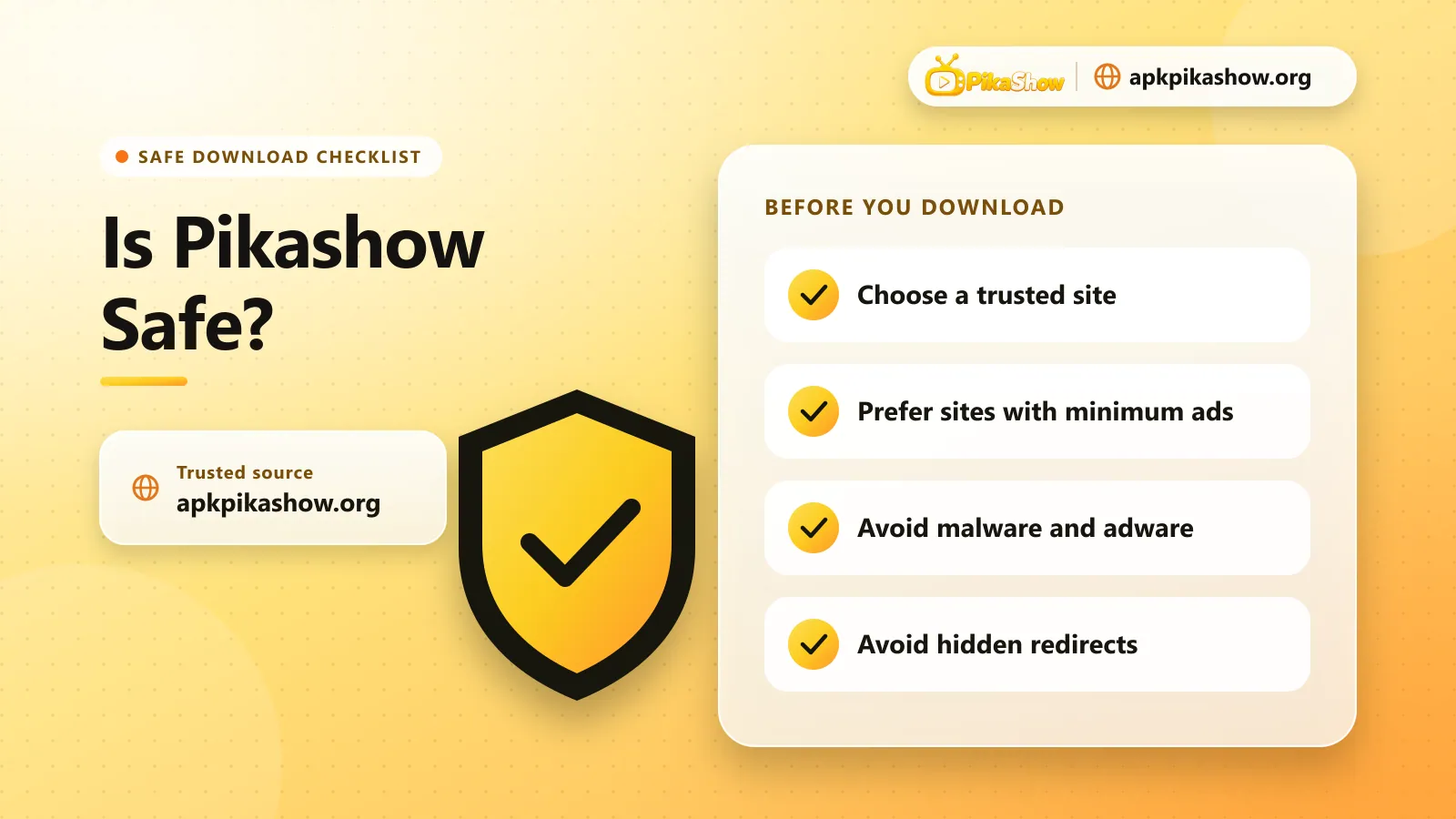
How do I know a Pikashow APK is safe to install?
A Pikashow APK is the genuine file when its SHA-256 hash matches the hash published by the site you downloaded it from, its package name is com.offshore.pikachu, and its permissions match the published list. Then let Google Play Protect scan it before you tap Install. Any mismatch means the file was changed.
| Check | Expected value for the file on apkpikashow.org |
|---|---|
| SHA-256 | 7be06da29ba09152f90129dad278e74c3de1e81b9f9216f466738f9edb2af8b8 |
| Package name | com.offshore.pikachu |
| Version | 10.8.2 (version code 82) |
| File size | 17,177,014 bytes (16.4 MB) |
| Minimum Android | Android 5.0 |
Step 1: Check the SHA-256 hash
A SHA-256 hash is a 64-character fingerprint of a file. Change one byte of the APK and the hash changes completely, so a matching hash proves you have the exact file the site published.
- On Android, install a hash checker app from Google Play, such as a file hash or checksum utility.
- Open the app, choose SHA-256 and select the downloaded Pikashow-APK.apk file.
- Compare the result with the hash in the table above. Every character must match.
On a Windows PC you can run this command in PowerShell from the folder that holds the file:
Get-FileHash .\Pikashow-APK.apk -Algorithm SHA256On macOS or Linux, use:
shasum -a 256 Pikashow-APK.apkStep 2: Confirm the package name and version
Every Android app has a package name that stays the same across versions. The Pikashow file hosted on this site uses com.offshore.pikachu. After installing, open Settings, then Apps, then Pikashow, then App details to see the version. It should read 10.8.2. A different package name usually means a repackaged copy.
Step 3: Read the permissions
The genuine file asks for internet and network access, Wi-Fi state, the microphone, an advertising ID, the right to start after a reboot and to keep running in the background. It does not ask for your contacts, SMS, call log or location. If a Pikashow APK asks for those, do not install it.
Step 4: Let Google Play Protect scan the file
Keep Play Protect switched on. When you open the APK, Android scans it and warns you about known harmful apps. A warning that the app is not from Google Play is normal for sideloaded apps; a warning that the app is harmful is not, and you should cancel the install.
Frequently Asked Questions
What is the SHA-256 of the Pikashow APK on apkpikashow.org?
The SHA-256 hash of Pikashow APK 10.8.2 hosted on apkpikashow.org is 7be06da29ba09152f90129dad278e74c3de1e81b9f9216f466738f9edb2af8b8. The same value is published on the download page.
What is the Pikashow package name?
The Pikashow APK hosted on this site uses the package name com.offshore.pikachu.
Is a Play Protect warning about Pikashow normal?
A notice that the app did not come from Google Play is normal for any sideloaded APK. A warning that the app is harmful is not normal; cancel the install if you see it.
Related reading
- Safety
 Real vs Fake Pikashow APK: How to Tell the Difference
Safety1 min read
Real vs Fake Pikashow APK: How to Tell the Difference
- Guides
 Pikashow “There Was a Problem Parsing the Package” Error: How to Fix It
Guides1 min read
Pikashow “There Was a Problem Parsing the Package” Error: How to Fix It